Why
A planetarium puts you in a dome and shows you the sky. CosmosView leaves you in your own room, on your own spot on a planet, and lets you look through the walls, the ceiling, and the floor.
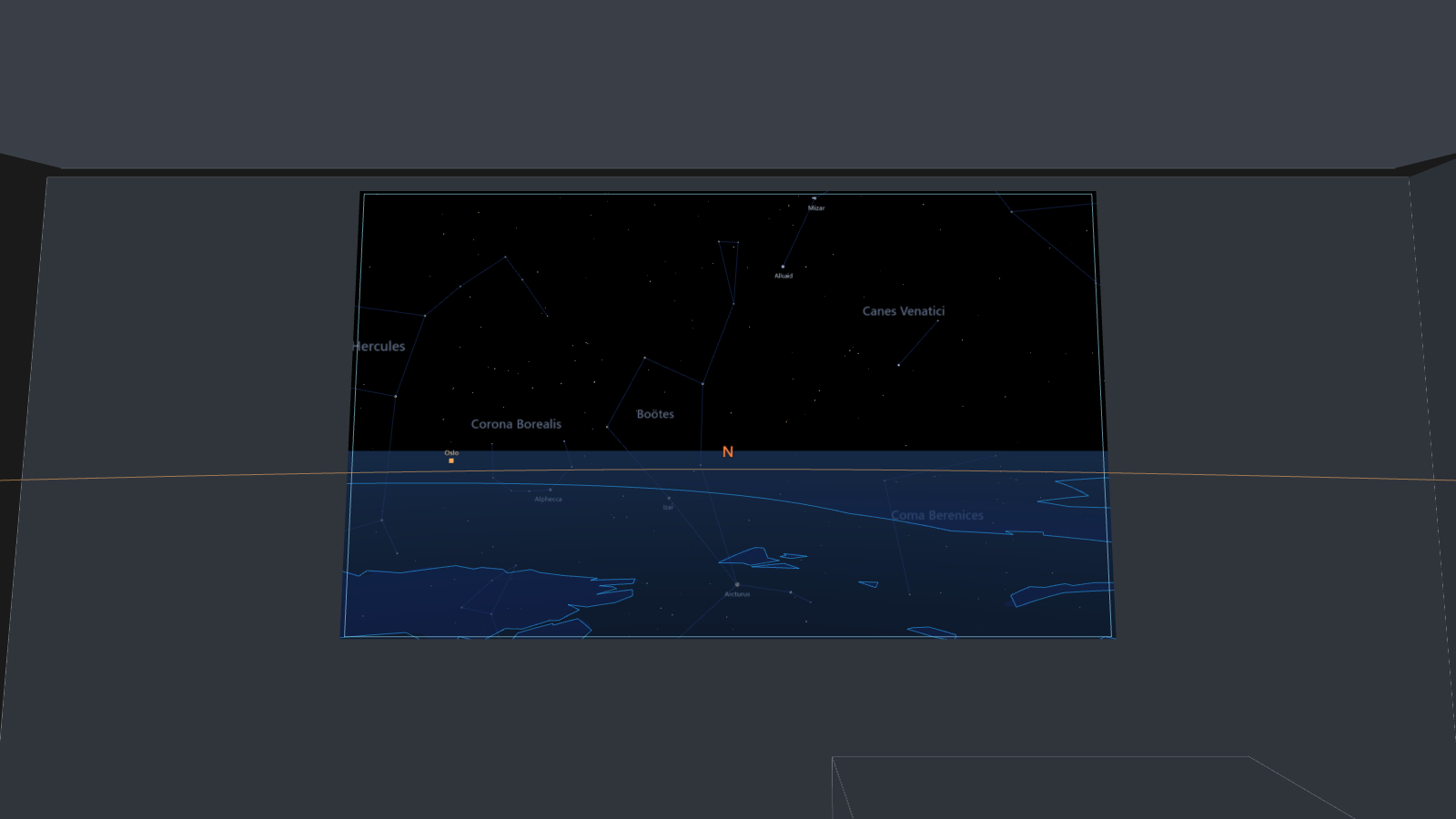
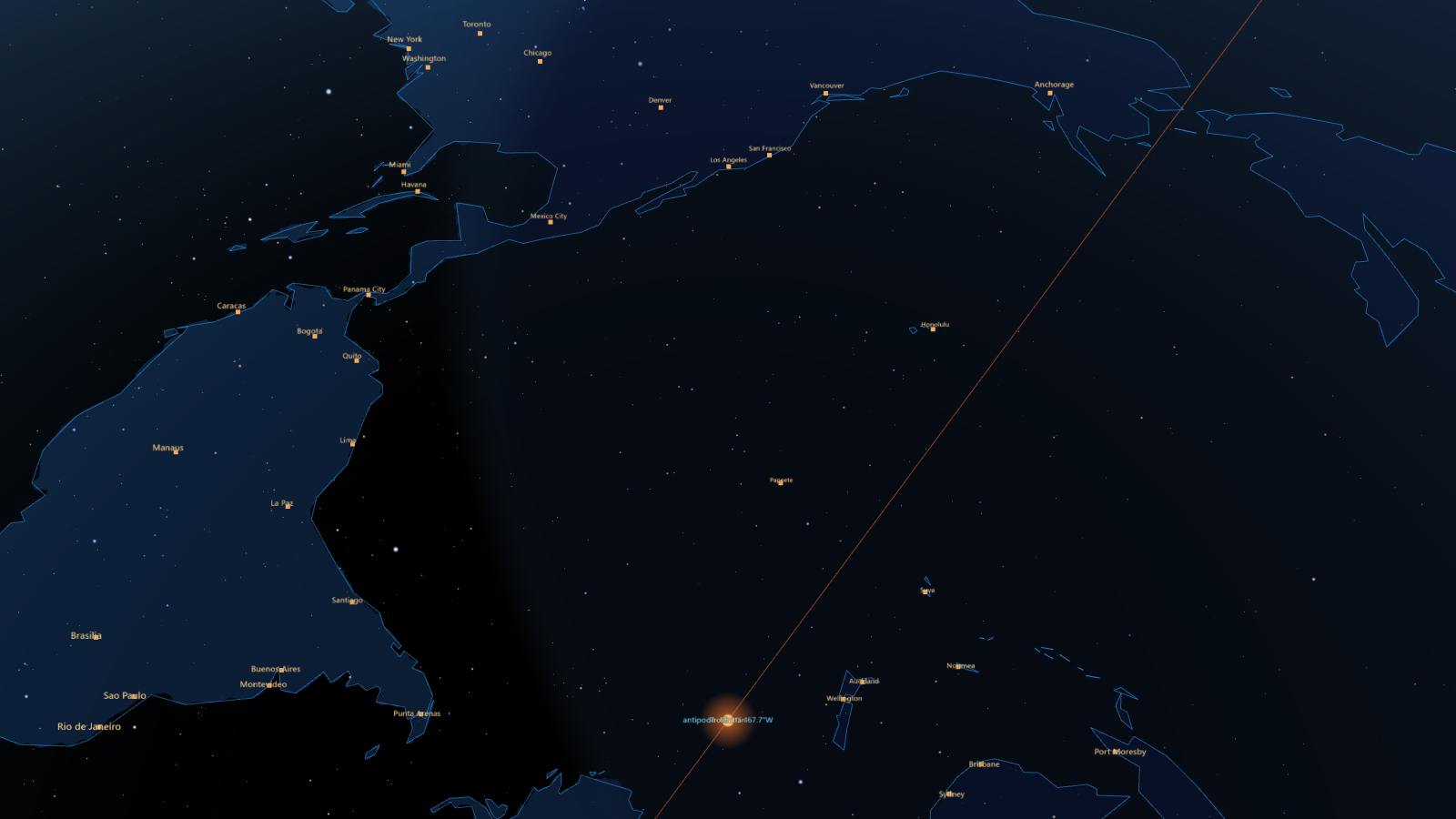
The headset's passthrough keeps the table, the chair and the people around you in view. Surfaces of the room become portals: look up through the ceiling and the real stars are there, with the Sun, the Moon and the planets where they stand at this moment. Look down through the floor and the Earth is there too, at true scale, transparent enough to show the far side and the stars behind it. The cosmos includes the Earth, so looking down matters as much as looking up.
Looks
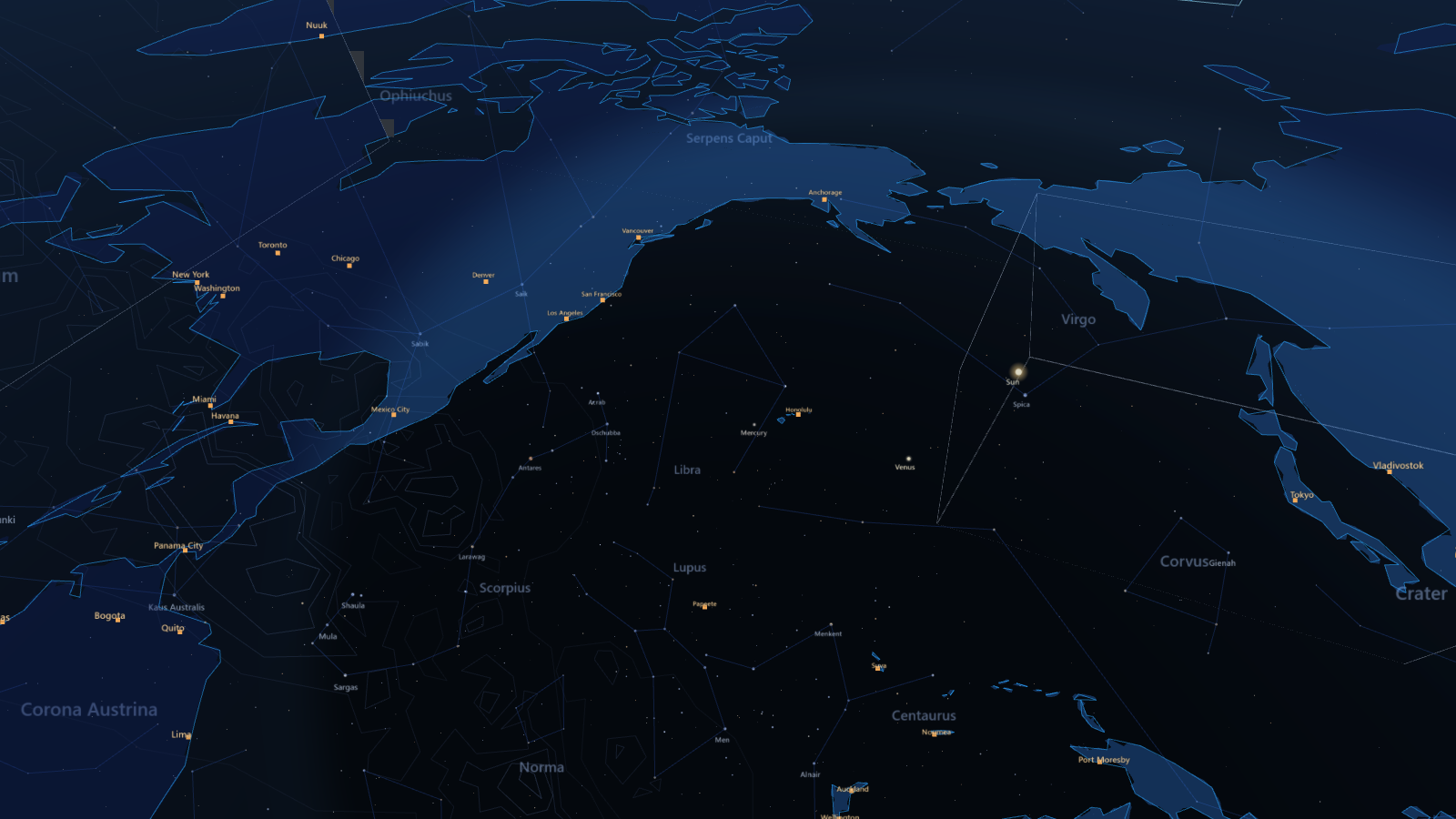
The sky is real: a 5 000-star catalogue with constellation figures and the Milky Way, and the Sun, Moon and planets computed live for your position and time. The Earth is drawn at 1:1, radius 6 371 km, its top at your floor, in several styles to choose between.
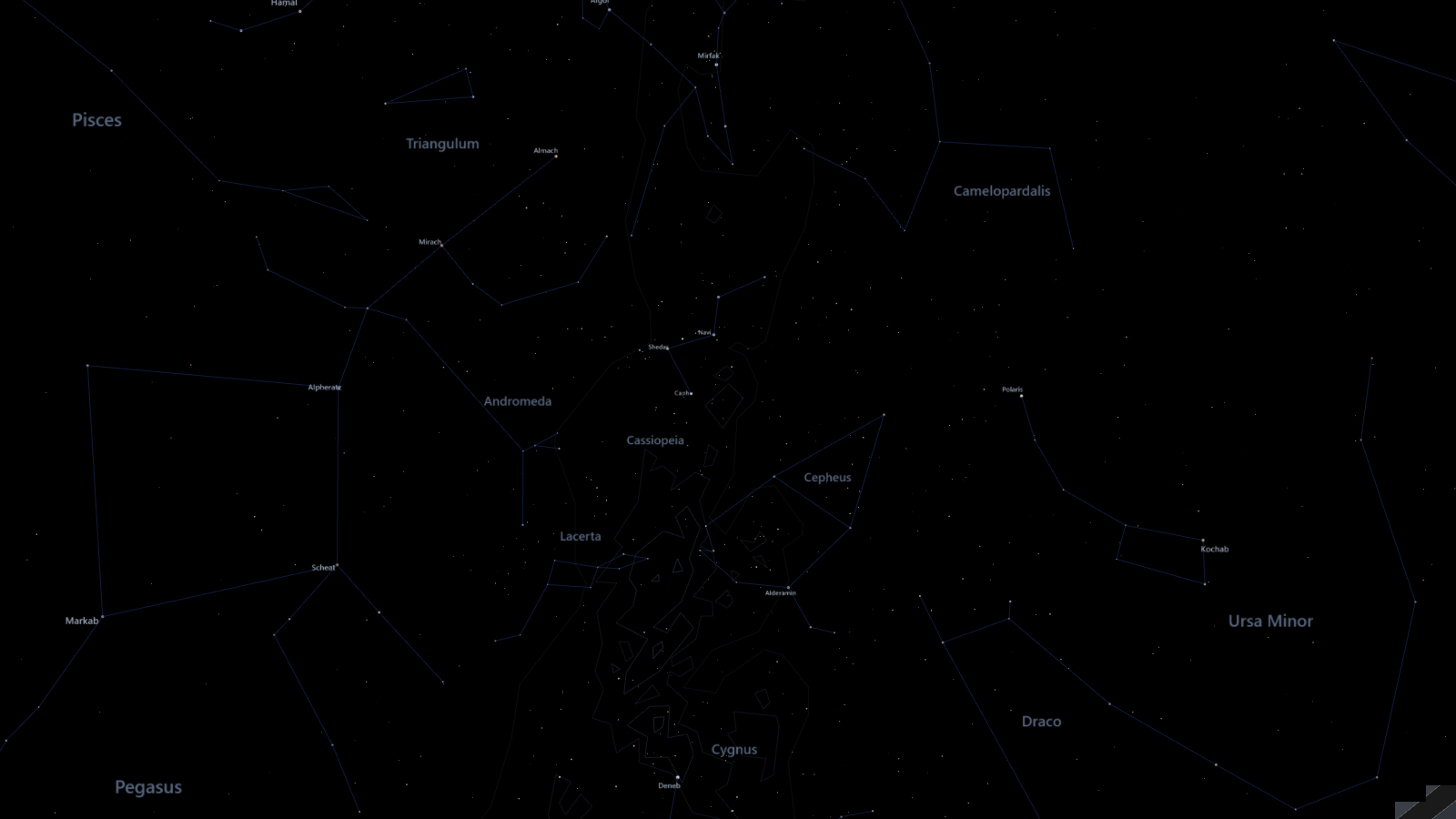
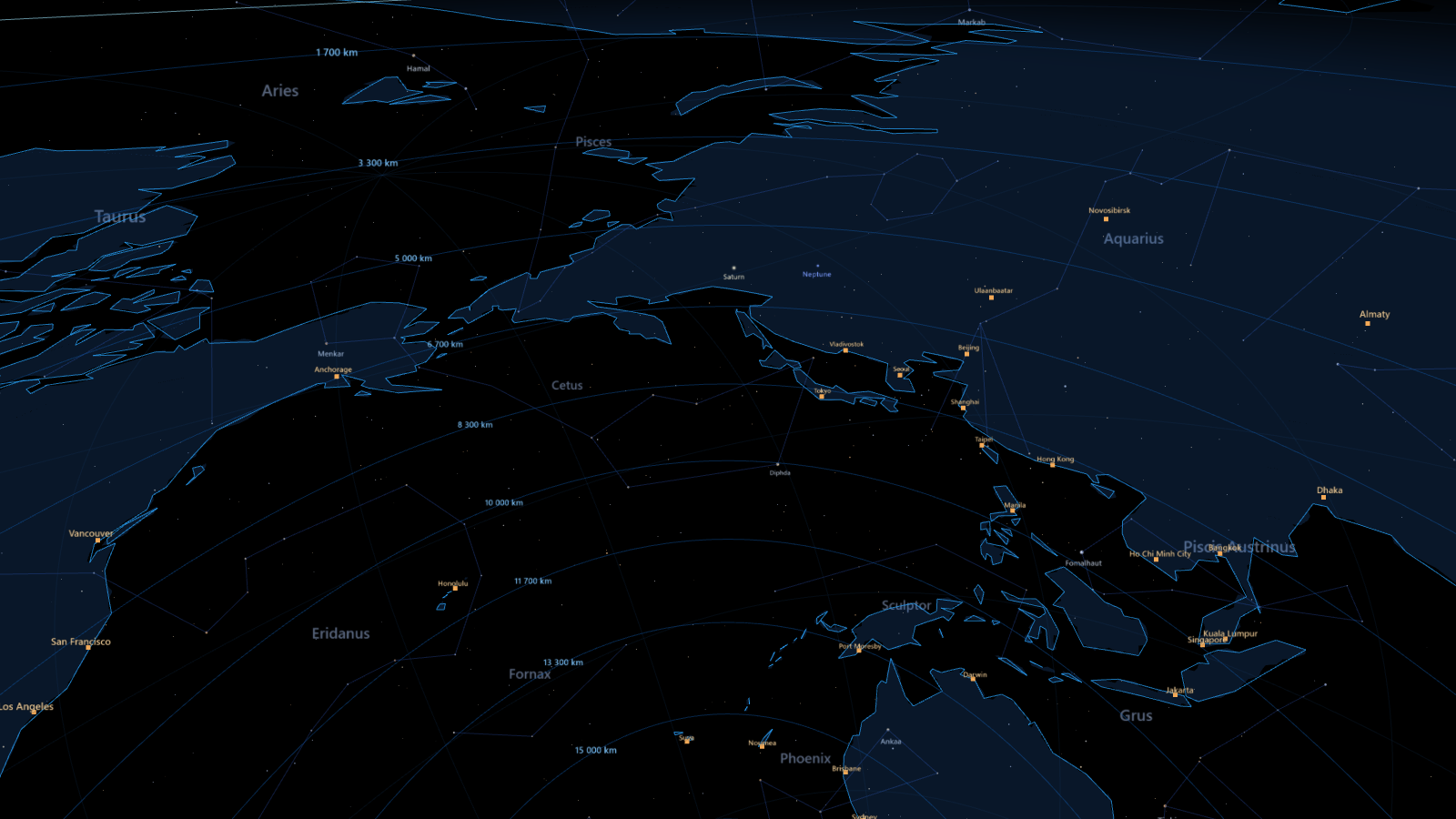
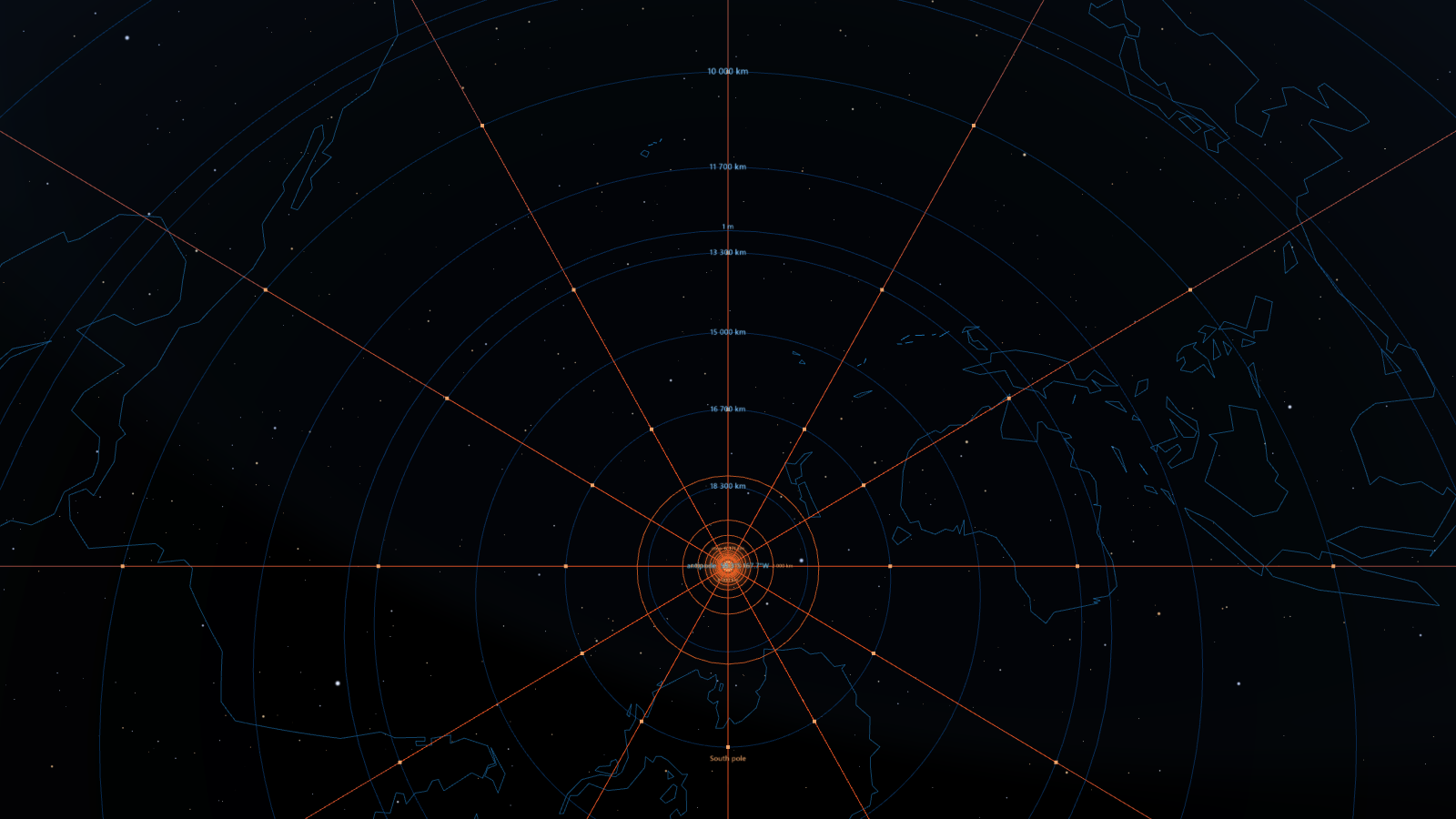
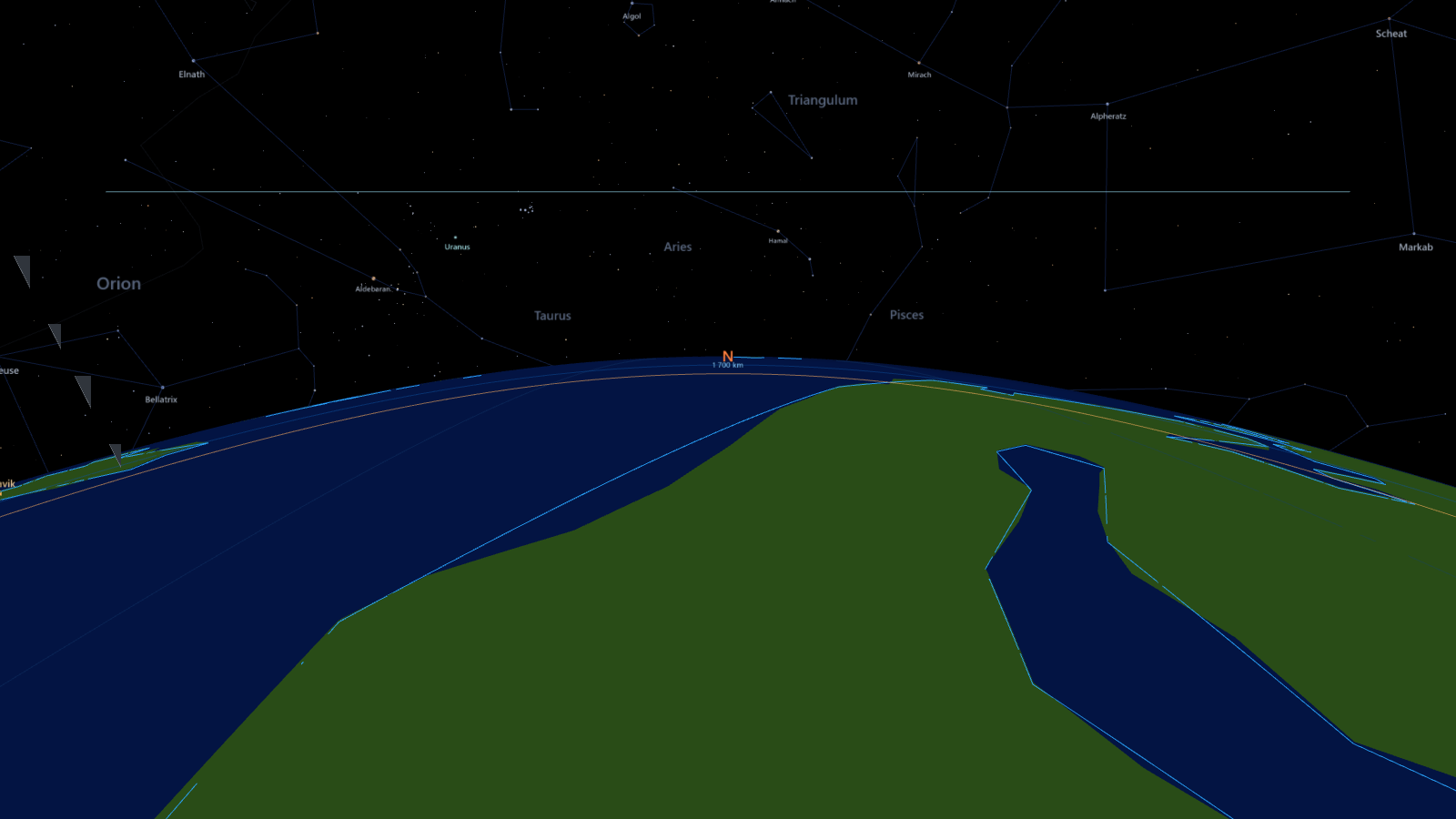
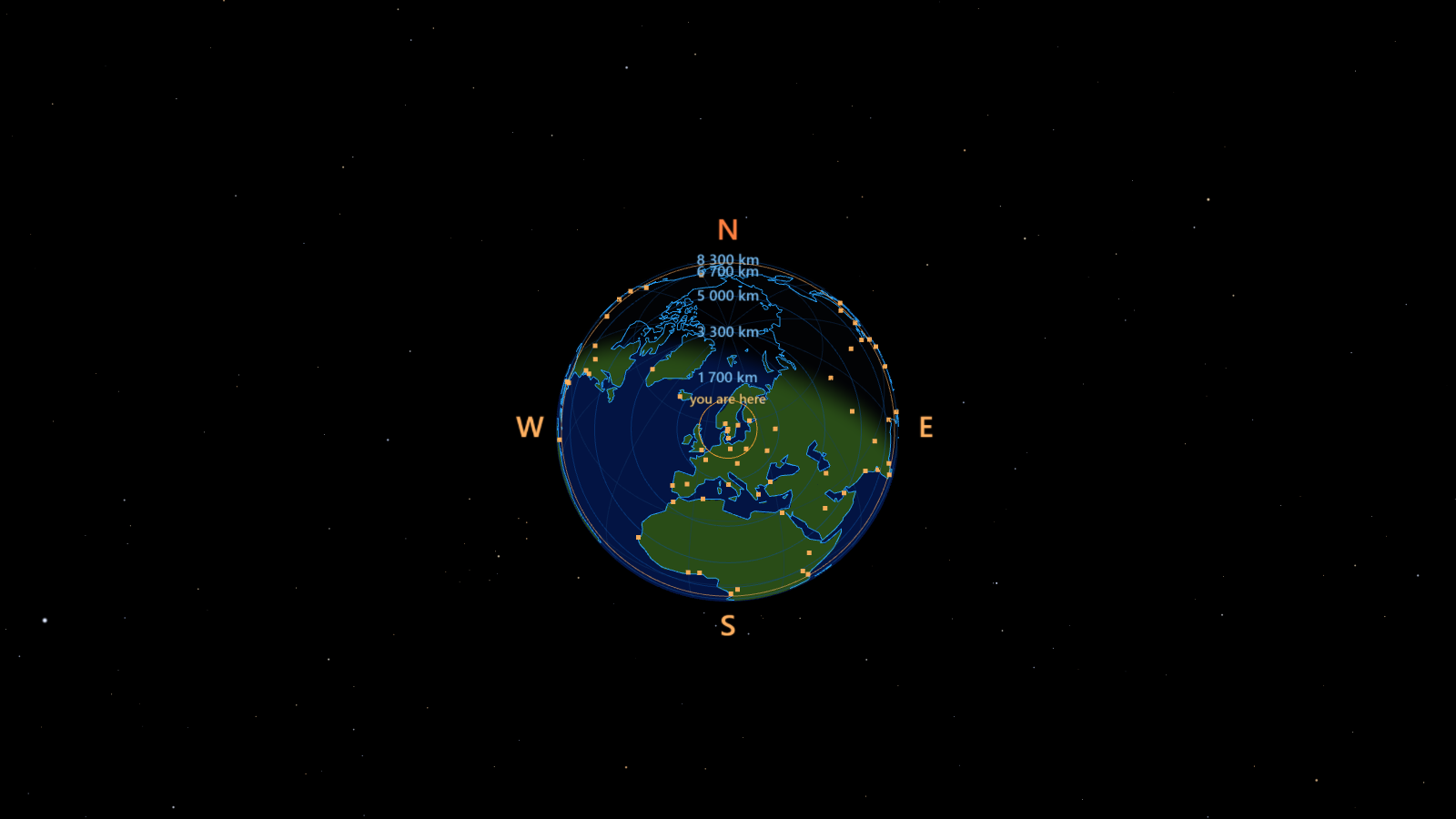
Earth styles
- Glass
- Atlas
- Globe
- Core
- Wire
- Depth wire
- Solid
- Inside
Sky
- Plain
- Lines
- Full
- Sun and Moon ×1 to ×5
Viewpoint
- Ground
- 400 km
- 2 000 km
- 36 000 km
- Moon distance
In the headset
Open the app in the Quest browser and press Enter passthrough. Portals come from the headset's depth sensor, so no room scan is needed: by default everything farther than a set distance becomes cosmos, and the floor always is. Or make portals yourself: point at a wall or the ceiling and pull the trigger to place a panel there, then drag its handles to resize, spin or tilt it. Panels are remembered per room.
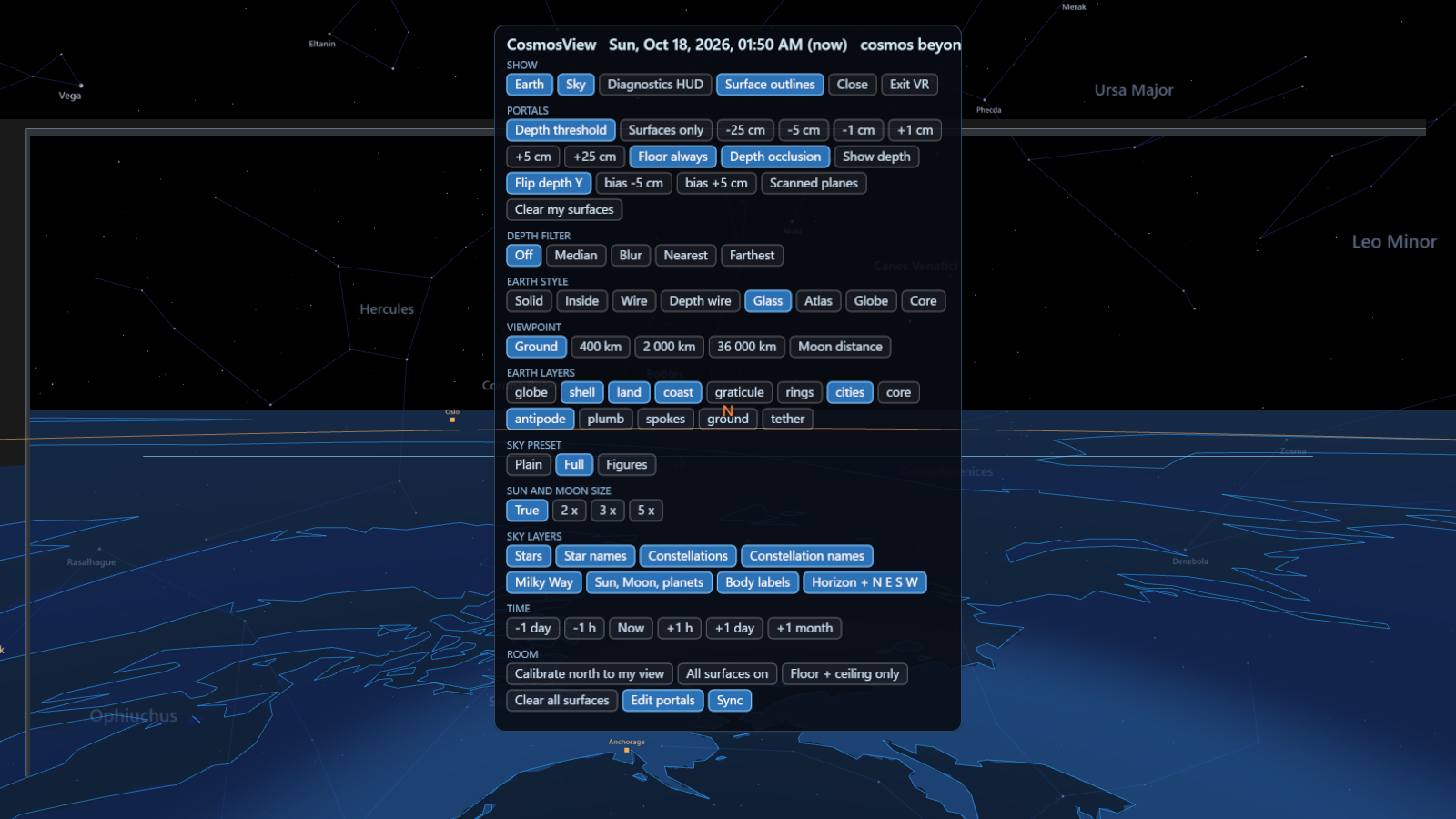
- Trigger on empty space places a portal panel; on a panel it selects it and shows its handles.
- A/X opens the panel, B/Y deletes the selected panel.
- Thumbstick scrubs time: watch the Sun set and the stars wheel.
- Squeeze calibrates north to the way you face, once per room.
- The controller carries a readout of the time shown and what its ray points at: bearing, altitude, a nearby Sun, Moon or planet.
- Several headsets in one room can share portals, styles, time and north through a small relay. No avatars: you see each other through passthrough.
Try it
The app runs in the Quest browser, or any WebXR browser with passthrough and depth sensing. On a desktop browser, Desktop preview stands you in a fake room: drag to look around, m opens the panel, e cycles the Earth style, v the viewpoint, [ and ] step an hour. URL parameters pick a starting design, for example app/?preview&earth=core&alt=leo.
Nothing is uploaded: the sky is computed in your browser. Your position comes from the browser's geolocation if it offers one, or from the latitude and longitude you type; a hundred kilometres of error moves the sky by less than a degree.
CosmosView is an experiment under active development. The desktop preview works everywhere; the headset build is being tuned run by run, and the depth-sensing portals in particular are still settling.
How it works
The sky
Stars, constellation figures and the Milky Way come from the Hipparcos-based catalogue in d3-celestial. The Sun, Moon and planets are computed every second with astronomy-engine, with the Moon drawn at its real phase and orientation. The browser's positions are cross-checked against Skyfield and the JPL DE421 ephemeris to a few thousandths of a degree.
The Earth at 1:1
The planet is modelled at its true size, with the room's floor on its surface. The trap at this scale is tessellation near the observer: a flat triangle with a 4-degree edge sags four kilometres, glaring at grazing angles from an eye 1.6 m up. Land and coastlines are refined by angular distance from the observer, and the shell is built as rings spaced outward from the feet.
Portals
Portals are depth-masked windows, not transparent overlays. Inside a portal only the cosmos shows, opaque on black; anything real that is nearer than the portal surface stays in view. The whole thing is one render pass, with the cosmos sorted between two depth-clearing quads, which is what the headset's WebXR runtime will accept.
Depth and anchoring
The headset's depth image is sampled directly on the GPU to decide what is near and what is far, filtered against the sensor's noise. Portal panels you place are stored against a persistent anchor per room, so they stay put across sessions and guardian changes. North is calibrated once by facing it, and stored with the room.
Credits
Star catalogue, constellation figures and Milky Way outlines from d3-celestial (BSD-3), after Hipparcos. Coastlines, land and cities from Natural Earth (public domain). Ephemeris by astronomy-engine (MIT), rendering with three.js (MIT).